The best Surfshark alternatives are Proton VPN for a free privacy baseline, NordVPN for a familiar full-featured client and Mullvad for minimal signup data. Private Internet Access is the closest choice if you've got to keep unlimited connections. The right switch depends on what Surfshark doesn't solve for you.
Surfshark's still useful, especially across many devices. This guide compares concrete reasons to leave, the setup you'd need to migrate and the costs that continue after the introductory discount.
Why switch from Surfshark?
People switch from Surfshark when its unlimited-device offer doesn't outweigh a specific need anymore: less signup data, a free evaluation tier, different client controls, predictable billing or a better-supported TV setup. The right replacement depends on the reason for leaving, not a universal performance score.
Surfshark still offers unlimited simultaneous VPN connections and Bypasser split tunneling. These are meaningful advantages. A switch can be a downgrade if you replace them with a fixed device limit or lose an exception your daily workflow needs. Start by writing down the one problem that's got to improve, then test that problem on a replacement before canceling the existing subscription.
 Free privacy baselineProton VPNTest a VPN without a data cap.
 Familiar VPN controlsNordVPNSmartPlay and documented device setup.
 Minimal account dataMullvad VPNNumbered signup and flat euro pricing.
 Unlimited devicesPrivate Internet AccessFlexible client controls with no device cap.
 TransparencyIVPNNo-email registration and public audits.
How do Surfshark alternatives compare?
Surfshark alternatives differ in account data, device allowances and billing models. The table highlights the reason to switch rather than presenting unverified speed rankings.
| Tool | VPN type | What stands out | Published price (USD or EUR) |
|---|---|---|---|
| Proton VPN | Privacy VPN | Paid streaming support and privacy-focused apps | VPN Plus $3.49/month equivalent, $83.76 first 24 months; renewal $83.88 per year (public pricing page) |
| NordVPN | Consumer VPN | SmartPlay and native TV apps | Basic from EUR 3.49/month equivalent on the 2-year plan (EUR 94.23 for 27 months), renews at EUR 139.08/year (EUR checkout; US prices in USD differ) |
| Mullvad VPN | Privacy VPN | Numbered account and flat euro pricing | EUR 5 per month flat rate including VAT, same price for any term |
| Private Internet Access | Consumer VPN | Streaming-optimized server search and app routing | 3 years + 3 months plan auto-renews at about EUR 70 every 3 years (EUR checkout; US prices in USD differ) |
 ExpressVPN | Consumer VPN | Native TV apps and manual setup alternatives | Basic from EUR 2.49/month equivalent (EUR 69.72 for the first 28 months), renews at EUR 79.95/year (EUR checkout; US prices in USD differ) |
| IVPN | Privacy-focused VPN | Multi-hop and AntiTracker controls | Standard $6/month or $60/year; Plus $8/month or $80/year; Pro Suite $10/month or $100/year |
 Windscribe | Privacy VPN | TV apps, hotspot and location-based plan | Pro $9/month or $69/year; Build A Plan $1 per location per month, $3 minimum (USD) |
 CyberGhost | Consumer VPN | Streaming-oriented server selection | EUR 2.19/month equivalent (EUR 56.94 for the first 26 months), then EUR 56.94 per year (EUR checkout; US prices in USD differ) |
Vendor pricing pages checked October 30, 2026. Rows marked EUR show the euro checkout price, and US dollar prices differ. Promotional monthly equivalents are prepaid, not monthly bills.
What do Surfshark reviews actually complain about?
Surfshark reviews describe connection failures and inconsistent access to particular server locations, while other reviewers praise ease of use and the unlimited-device allowance. The visible G2 dataset is small, so it shouldn't be turned into a universal failure rate.
G2's Surfshark page shows 22 reviews and an overall rating of 4.0 out of 5 as of the page's September 2026 metadata. Its generated pros-and-cons section exposes one quantified theme, Connectivity Issues (1). Individual reviews also mention location selection, app updates and support experiences, but those are individual reports, not validated category totals. We don't infer frequencies for them.
Which Surfshark alternatives are worth switching to?
A useful Surfshark replacement fixes a specific problem without introducing a worse one. Each option below describes the migration, the tradeoff and the buyer who should skip it.
Proton VPN: best for a free privacy starting point
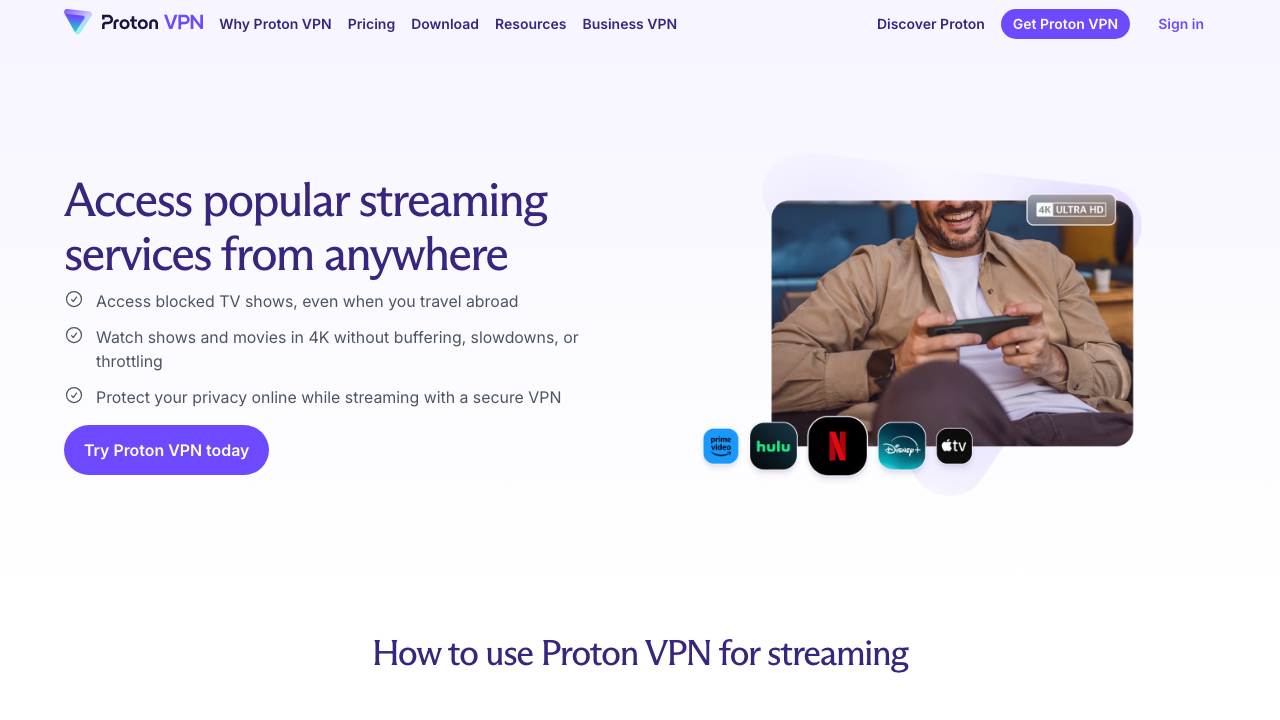
Proton VPN's a sensible Surfshark alternative when the reason to switch is privacy transparency rather than price alone. Proton publishes its client software and makes its free tier available without a data cap. The free plan's useful for evaluating the app and tunnel behavior, but paid VPN Plus is the tier to compare for streaming, multiple devices and its full feature set. That's a clearer evaluation path than buying another discounted multi-year subscription before you know what you need.
Proton VPN
Privacy-focused VPN with a documented free tier and Secure Core on paid plans.
Proton VPN offers a free evaluation route and a paid privacy-first service.
You'll want to begin with the threat model. If the concern is that a commercial VPN may retain connection information, review Proton's published policies and audit materials rather than treating any no-logs statement as absolute. Then install the client on the device that actually needs protection, connect to a nearby server and test DNS routing, the kill switch and any split-tunnel exceptions. A free plan's enough to learn how the client behaves, but it isn't the right benchmark for every paid feature. Record the operating system because available controls differ.
The most important tradeoff against Surfshark is device count and plan scope. Surfshark markets unlimited simultaneous connections; Proton VPN Plus covers 10 devices at a time. That can be an acceptable limit for an individual or small household, but not for a sprawling collection of personal devices. Proton's Secure Core route may serve a high-risk privacy scenario, while its streaming guide cautions that the same route isn't optimized for video. You'll need to decide which workflow's primary instead of enabling every protection feature automatically.
- you want to test a privacy-focused VPN on a free plan before paying
- you want a published, inspectable client and a clear paid upgrade path
- you need unlimited simultaneous devices
- you only want the lowest possible promotional price
How it works in practice
Proton's public pricing page and account checkout have displayed different promotional rates in October 2026. Treat the public pricing page as a dated reference, not a guaranteed invoice. Choose Proton for a privacy-led switch with a no-cost starting point. Skip it if keeping Surfshark's unlimited device allowance is non-negotiable or if the only goal is a permanently low promotional rate.
- Starting price
- VPN Plus $3.49/month equivalent, $83.76 first 24 months; renewal $83.88 per year (public pricing page)
- Free tier
- Unlimited data, 1 device, 10 countries
- Paid devices
- 10 on VPN Plus
- Audit
- Securitum, fifth annual no-logs audit (2026)
- TV route
- Android TV and other supported TV apps
- Best fit
- Privacy-first streaming
NordVPN: best for documented streaming and app controls
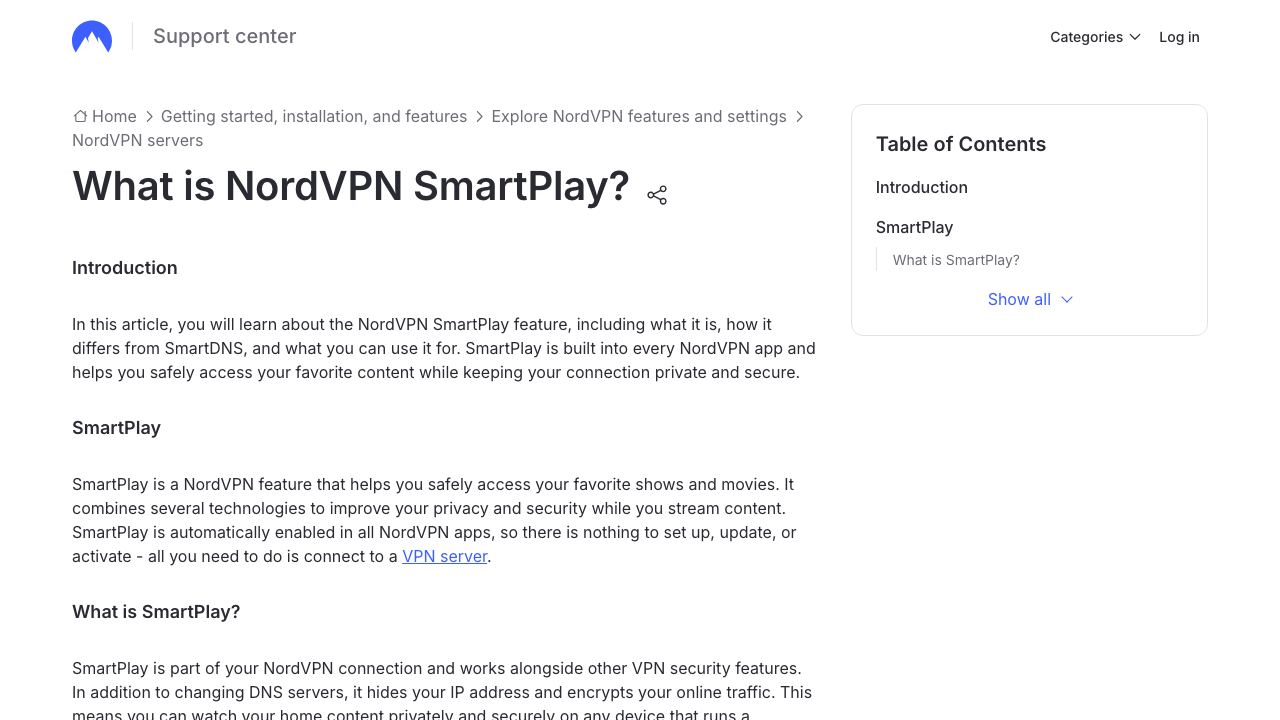
NordVPN's the natural Surfshark alternative for someone who wants broad consumer VPN coverage but prefers a different application workflow. NordVPN's SmartPlay handles streaming-related DNS behavior inside supported VPN apps, and its support documentation explains how that differs from standalone SmartDNS. A user migrating from Surfshark's discontinued SmartDNS may find that distinction especially important when an older television can't install a native VPN app.
NordVPN
Consumer VPN with device-wide protection and configurable connection controls.
NordVPN offers documented SmartPlay and a different client workflow.
The migration starts by listing every device and the traffic that must remain outside the tunnel. On each computer, record the Surfshark Bypasser rules, then build equivalent routing rules only where NordVPN supports them. Test a forced disconnect with the kill switch enabled, since a split-tunnel exception can still lose connectivity. Don't copy settings blindly across Windows, macOS and mobile. Use a short acceptance checklist that includes a browser, a banking app, a local printer and the specific streaming device, if any. If a function breaks, identify whether it's a DNS, routing or account issue before changing servers.
NordVPN limits an account to 10 simultaneous devices, so the headline tradeoff's flexibility versus control. A household with more devices than the plan allows may find the switch inconvenient even if its streaming experience improves. NordVPN also sells bundles with additional consumer tools, but a small security team shouldn't buy duplicate password management or endpoint protection merely because they appear in a bundle. A consumer VPN still doesn't deliver corporate user lifecycle management or app-level authorization.
- you want a full-featured consumer app with a documented streaming route
- you need up to 10 devices on one subscription
- unlimited simultaneous connections are why you bought Surfshark
- you want a flat monthly bill instead of a prepaid multi-year term
How it works in practice
NordVPN's pricing page shows a prepaid introductory Basic offer. Compare the full term, later renewal and tax rather than assuming the monthly equivalent is the recurring bill. Choose NordVPN when app behavior, documented SmartPlay and device coverage fit your workflow. Skip it when unlimited connections are the defining reason you bought Surfshark.
- Starting price
- Basic from EUR 3.49/month equivalent on the 2-year plan (EUR 94.23 for 27 months), renews at EUR 139.08/year (EUR checkout; US prices in USD differ)
- Devices
- 10
- Protocols
- NordLynx, NordWhisper, OpenVPN, IKEv2
- Audit
- Deloitte, sixth no-logs engagement (Dec 2025)
- TV route
- Native TV app or SmartDNS for unsupported TVs
- Best fit
- Mixed-device household
Mullvad VPN: best for no-email signup
Mullvad VPN's the clearest alternative when you want to give the VPN operator less personal information at signup. Instead of an email address and password, Mullvad uses a generated account number. That changes the account-data footprint before the tunnel starts. A person doing sensitive research from a personal device may value that more than a long list of bundled features, though it doesn't make logged-in browsing anonymous.
Mullvad VPN
Numbered account and flat euro pricing for security-aware personal use, not centrally managed business access.
Mullvad replaces email signup with an account number and flat pricing.
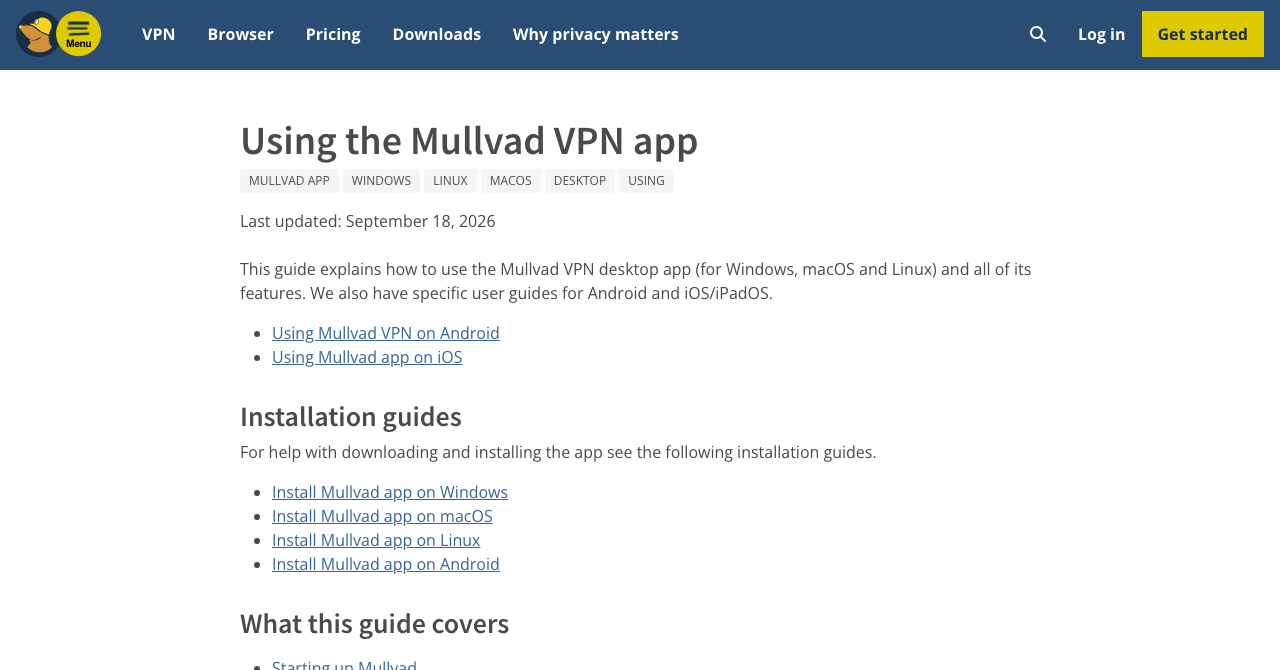
Start by creating the account number and saving it securely. Then fund only the period you expect to use. Mullvad charges the same base euro amount regardless of whether you buy a month or add more time, so you don't have to forecast a future renewal discount. Check the supported payment methods if reducing billing metadata matters to you. Even cash or cryptocurrency doesn't stop a website from recognizing a logged-in account, a browser cookie or a device fingerprint. The VPN's privacy boundary remains a network one.
The tradeoff's material for Surfshark users. Mullvad limits an account to five devices, and its FAQ has a dedicated question for people who reach that limit. A router can cover multiple local devices through one tunnel, but that's a different configuration with its own maintenance and network-failure risks. Mullvad also removed port forwarding, so check workflows that depend on incoming connections before migrating. Its focus is privacy, not a promise of unblocking every streaming catalog. Anyone switching for a particular streaming service should test that separately.
- you want to avoid registering an email address for a VPN account
- you prefer a flat price over promotional renewal math
- you need Surfshark-style unlimited connections
- you need a managed business access platform or guaranteed streaming support
How it works in practice
Mullvad's price's a flat EUR 5 per month, and the US dollar equivalent can change with the exchange rate. We keep the base currency instead of inventing a fixed dollar conversion. Choose Mullvad for minimal signup data and predictable terms. Skip it if you need unlimited devices, port forwarding or an all-in-one consumer security bundle.
- Starting price
- EUR 5 per month flat rate including VAT, same price for any term
- Best fit
- Minimal signup data
- Device limit
- 5 devices
Private Internet Access: best for unlimited devices and granular routing
Private Internet Access's the closest feature-level alternative for someone who bought Surfshark because one subscription could protect many personal devices. PIA also supports unlimited simultaneous connections. It adds detailed client settings and a kill switch that can keep traffic blocked when the tunnel drops. That's useful for a fail-closed privacy requirement, but it can surprise travelers trying to open a hotel captive portal.
Private Internet Access
Streaming-optimized server search and app routing for security-aware personal use, not centrally managed business access.
PIA keeps unlimited connections and adds granular client controls.
Before switching, map the Surfshark Bypasser exceptions to the equivalent PIA controls and decide which apps must use the tunnel. Test the kill switch on the actual operating system by intentionally interrupting the VPN. If the computer stays offline, check whether that's the chosen fail-closed policy rather than a fault. Review the DNS and split-tunnel behavior for local printers and applications with IP allowlists. A privacy tool is only useful when its exceptions are documented and the person using it understands them.
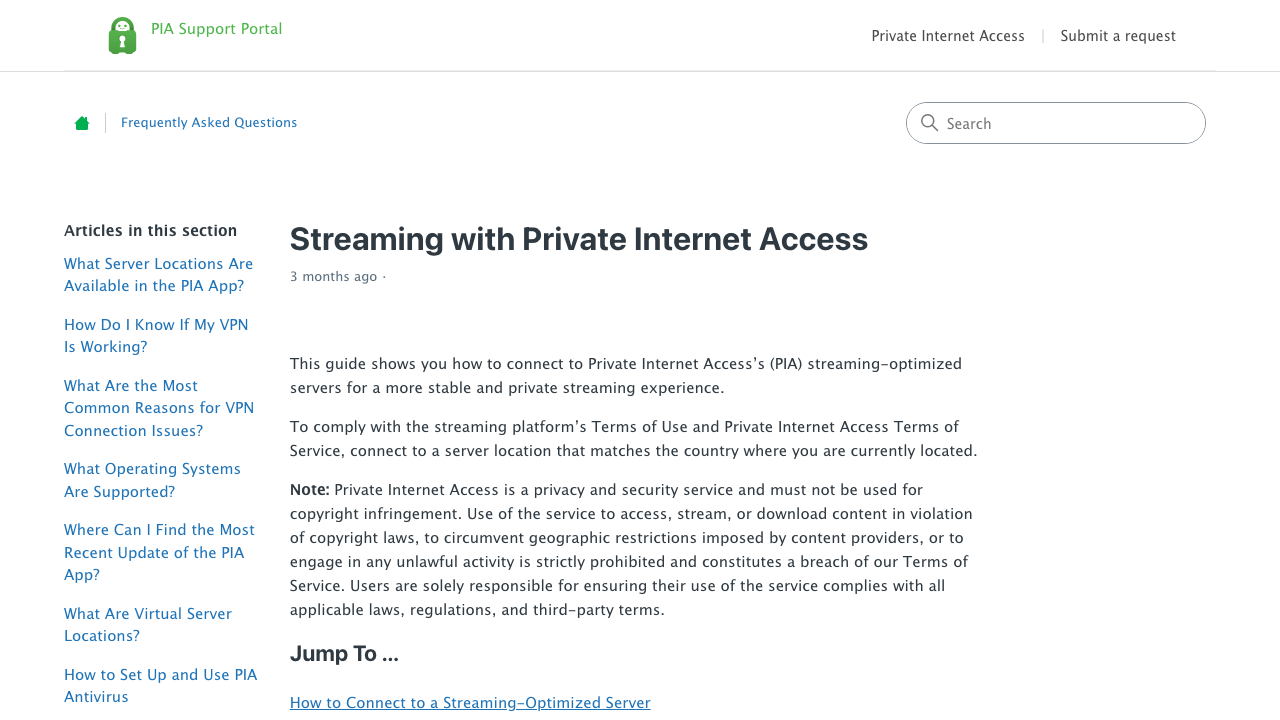
PIA's also a case study in why current vendor documentation matters. Its October 2026 support article says Smart DNS is no longer compatible with streaming services. Surfshark retired SmartDNS in February 2026. A switch between these two vendors therefore won't restore a legacy television's old DNS-only streaming setup. Use a supported app or router path instead. If streaming's your main purchase reason, test the exact service during the refund period rather than assuming a server list guarantees access.
- you want to keep unlimited simultaneous connections
- you want detailed client controls and kill-switch behavior you can test
- you want a simple TV Smart DNS fix
- you want a short initial term rather than a multi-year purchase
How it works in practice
PIA's public offer is a long prepaid term with a low monthly equivalent. Check the full first charge, the renewal interval and cancellation rules before comparing it to Surfshark's promotion. Choose PIA for unlimited devices and granular connection controls. Skip it if you want a simple TV Smart DNS fix or a centrally administered business access system.
- Starting price
- 3 years + 3 months plan auto-renews at about EUR 70 every 3 years (EUR checkout; US prices in USD differ)
- TV route
- Streaming server search in app; Smart DNS not for streaming
- Best fit
- Advanced app controls
ExpressVPN: best for device setup documentation
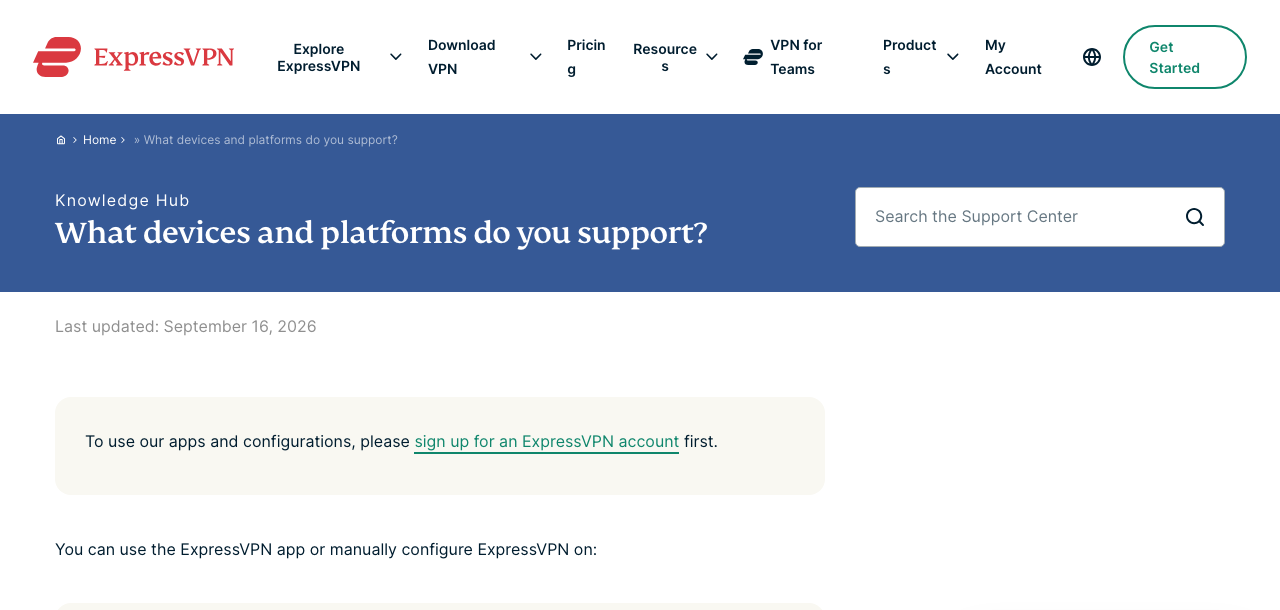
ExpressVPN's a Surfshark alternative for buyers who value clear device support and straightforward setup documentation more than unlimited simultaneous connections. Its help center separates native apps for Apple TV, Fire TV and Android TV from manual configurations for unsupported consoles and televisions. That clarity reduces the chance of buying a subscription and only then discovering that the device can't install the client.
ExpressVPN
Consumer VPN with app and website routing options on supported platforms.
ExpressVPN emphasizes supported device routes and straightforward setup.
A migration pilot should begin with the device inventory. List the operating systems, TV models and any router-level VPN configuration. Install ExpressVPN on one representative computer and one playback device. Reproduce the normal tasks: local network discovery, browser sign-in, video playback and a reconnect after the tunnel drops. If the household relies on a router tunnel, test casting and local services before changing the router for everyone. Document how to restore the previous network settings if a service fails.
ExpressVPN's device allowance depends on the chosen tier, while Surfshark's core consumer VPN offers unlimited connections. That's a real cost difference for a device-heavy household. ExpressVPN's privacy and protection features also vary by plan, so don't compare a top-tier bundle to Surfshark Starter as if the two include the same components. A VPN can conceal the original public IP from a website, but it doesn't remove browser cookies or erase identity from a signed-in account. Those controls must be handled separately.
- you use several streaming boxes and want native-app installation paths
- you need documented setup choices for a console or TV without a VPN app
- you want a flat monthly price without a large introductory prepayment
- you expect a VPN to change account-based streaming entitlements
How it works in practice
The vendor publishes an introductory Basic total and a later annual renewal. Use those two amounts for the budget, not the displayed monthly equivalent alone. Choose ExpressVPN when native TV support and setup guidance outweigh device count. Skip it when protecting a large number of simultaneous personal devices is the central requirement.
- Starting price
- Basic from EUR 2.49/month equivalent (EUR 69.72 for the first 28 months), renews at EUR 79.95/year (EUR checkout; US prices in USD differ)
- Devices
- 10 (Basic) to 14 (Express Pro)
- Protocol
- Lightway, WireGuard
- Audit
- KPMG no-logs and privacy (2022 to 2025)
- TV route
- Fire TV, Apple TV, Android TV and Chromecast with Google TV
- Best fit
- Broad TV platform coverage
IVPN: best for transparent privacy operations
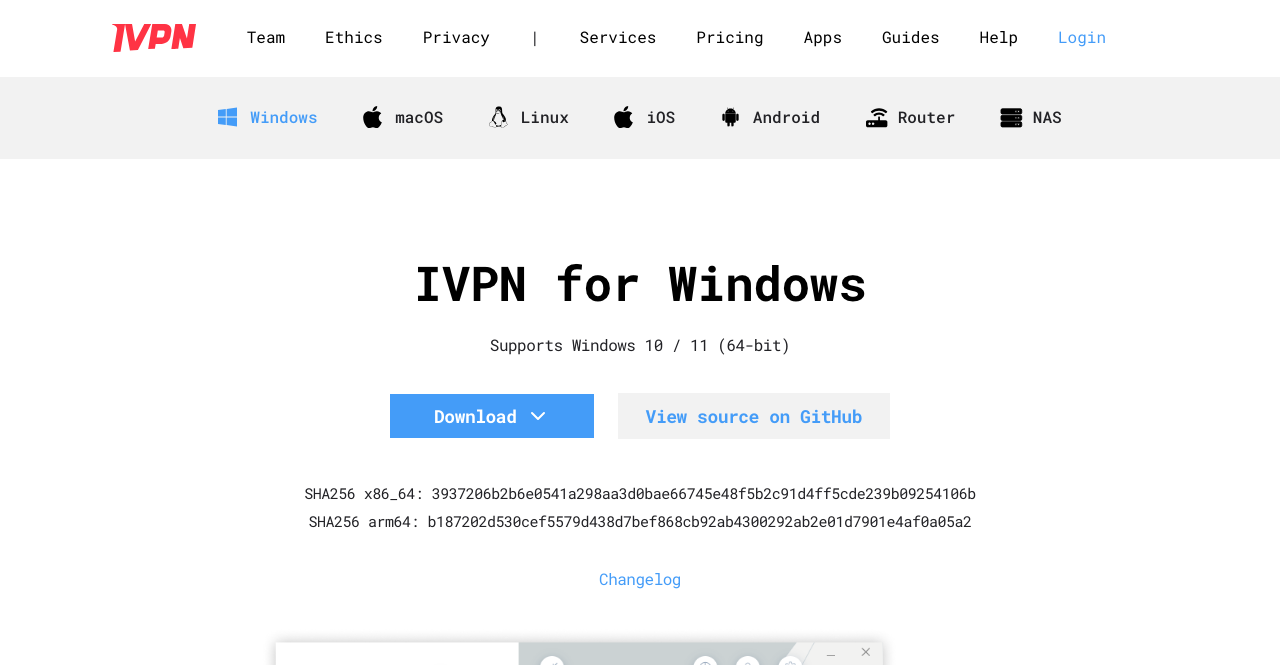
IVPN's a strong alternative for a buyer whose main objection to Surfshark is the amount of account data they must share or the difficulty of evaluating a provider's privacy practices. IVPN says it doesn't require an email at signup, publishes open-source apps and describes independent audits. Those are inspectable commitments rather than a blanket claim that a VPN makes its user anonymous. Its product is deliberately focused on privacy controls instead of a large entertainment bundle.
IVPN
IVPN is considered for multi-hop and antitracker controls.
IVPN prioritizes minimal signup data and inspectable privacy practices.
Begin with a privacy inventory. Write down which identifiers the VPN provider receives during registration, payment and routine operation. Compare the published policies, audit dates and scope, then decide whether IVPN's account model better matches your threat model. Install the client, enable its firewall or kill-switch behavior and test a deliberate tunnel failure. Repeat with the application you most need to use outside the VPN. An audit doesn't prove that a future configuration'll be flawless, so local tests remain useful.
IVPN's Standard plan supports five devices, while the higher Pro Suite plan supports ten. The tradeoff against Surfshark remains clear: IVPN doesn't sell unlimited connections on a single account. Its optional DNS and email tools also aren't corporate identity management, endpoint protection or a guarantee of access to streaming catalogs. Keep those needs separate.
- you value published audit practices and minimal signup information
- you want a month-to-month privacy plan without a large prepayment
- you require unlimited simultaneous devices
- you need guaranteed access to specific streaming catalogs
How it works in practice
The official pricing page lists Standard monthly and annual rates in US dollars. Choose IVPN for a focused privacy workflow with public technical information and a straightforward subscription. Skip it if unlimited device count or streaming unblocking's the primary goal. A security lead should still select managed business access for staff authorization.
- Starting price
- Standard $6/month or $60/year; Plus $8/month or $80/year; Pro Suite $10/month or $100/year
- Switch reason
- Multi-hop and AntiTracker controls
- Published price
- Standard $6/month or $60/year; Plus $8/month or $80/year; Pro Suite $10/month or $100/year
- Best fit
- Transparent privacy operations
- Device limit
- 5 Standard; 10 Pro Suite
Windscribe: best for location-based billing
Windscribe's a Surfshark alternative for a buyer who wants more control over what they pay for. Its Build A Plan option charges by selected location with a minimum monthly amount, while its full Pro subscription offers broader location access. That changes the decision from finding the largest introductory discount to matching a few real locations with a recurring cost. For occasional travel or a narrow regional requirement, that can be a useful purchasing model.
Windscribe
Canadian VPN with a 10 GB free tier, four firewall (kill switch) modes, R.O.B.E.R.T. DNS blocklists and per-location pricing.
Windscribe lets buyers choose locations instead of a long promotional term.
Before migrating, identify the actual countries you use and whether your applications require the VPN to be always on. Test Windscribe's firewall mode, reconnect behavior and split-tunnel rules on the devices you own. Its R.O.B.E.R.T. filtering can block unwanted domains, but a blocklist can also interfere with a site that relies on a particular login or content domain. When troubleshooting, disable one rule at a time and record the effect. That's better than switching server locations at random and assuming every failure is caused by the VPN network.
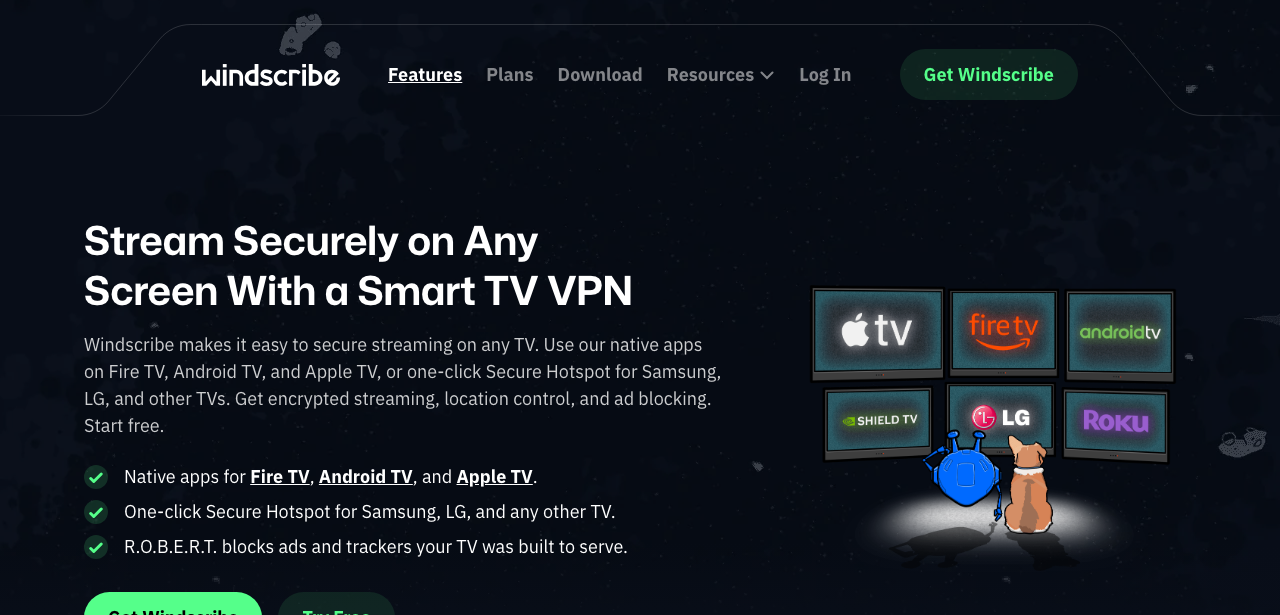
Windscribe offers native apps on several TV platforms and a Secure Hotspot option for devices without a native app. This may solve some setup problems, but it doesn't mean a Samsung or LG television suddenly supports a native Windscribe client. The Windows host for a hotspot must remain available, and a router setup has broader network consequences. Windscribe's free tier also has a data allowance, so don't equate it with Proton's unlimited-data free plan or a full paid subscription.
- you want to buy access to a limited set of locations instead of a full plan
- you can use a Windows hotspot or router for an unsupported TV
- you expect a no-configuration native VPN app on Samsung Tizen or LG webOS
- you need a managed corporate VPN with staff-level access controls
How it works in practice
Windscribe's pricing lists a $9 monthly Pro plan, a $69 annual option and location-based Build A Plan pricing. Choose Windscribe when location control and flexible buying matter. Skip it when your top requirement is a one-click replacement for every Surfshark device or a managed corporate VPN.
- Starting price
- Pro $9/month or $69/year; Build A Plan $1 per location per month, $3 minimum (USD)
- Free tier
- 10 GB/month, 10 countries
- Firewall
- Automatic, Manual, Always-on, Always-on+
- HQ
- Ontario, Canada
- TV route
- Native TV apps or Windows Secure Hotspot
- Best fit
- Selective location spending
CyberGhost VPN: best for labeled streaming servers
CyberGhost VPN's a Surfshark alternative when you want a simpler server selection organized around streaming-oriented locations. The provider maintains a list of locations for specific services and documents its refund terms. That can make the initial trial easier for someone who doesn't want to experiment with several generic servers. It isn't evidence that a particular library will work forever, and a VPN can't override the streaming service's own account terms.
CyberGhost
Romania-based consumer VPN with RAM-only servers, Deloitte-audited servers, a 7-device limit and a token-based dedicated IP add-on.
CyberGhost organizes streaming-oriented servers and documents its refund terms.
The buying workflow should start with the actual device. Install the supported CyberGhost app, connect to a location that matches your legitimate service use and test playback. If the app can't run on the TV, verify a currently supported router or device route before paying. Then test the ordinary non-streaming activities too, such as local casting and accessing a printer. A VPN that works for one video app but breaks the household's network isn't a successful migration. Document the results and repeat at a later time.
CyberGhost limits simultaneous VPN connections, unlike Surfshark. That matters for a household with many laptops, phones and streaming devices, so count the devices that truly need simultaneous protection. Its longer subscription has a longer refund period than the monthly plan, but the advertised low monthly equivalent is prepaid over an introductory term. The renewal can cover a shorter period for a similar charge. You'll want to calculate the effective cost for the actual renewal year before deciding it's cheaper.
- you prefer a provider that labels streaming-oriented server locations
- you can test the actual streaming device during the refund window
- you need unlimited simultaneous connections
- you expect access to foreign libraries to be guaranteed or allowed by platform terms
How it works in practice
CyberGhost's own streaming page cautions against using the service to access foreign catalogs contrary to its terms. Choose it when a labeled streaming server workflow and refund window are useful. Skip it if unlimited device count, a free permanent plan or centrally managed business access is a hard requirement.
- Starting price
- EUR 2.19/month equivalent (EUR 56.94 for the first 26 months), then EUR 56.94 per year (EUR checkout; US prices in USD differ)
- Devices
- Up to 7
- Protocols
- WireGuard, OpenVPN, IKEv2
- Dedicated IP
- EUR 5.00/mo add-on
- TV route
- Streaming-oriented locations; device compatibility must be checked
- Best fit
- Location-specific streaming server choices
How do Surfshark and the alternatives compare by device count?
Surfshark and PIA allow unlimited simultaneous VPN connections, while other providers impose account-level device limits. Unlimited connections don't create individual employee identities or expand the streaming service's own simultaneous-playback allowance.
- 1Many devices
- Private Internet Access
Breaks when a fixed device cap forces a second account. - 2Private signup
- Mullvad VPN
- IVPN
Breaks when signup still asks for an email and a payment trail. - 3Free test
- Proton VPN
Breaks when you commit to a multi-year term before testing. - 4TV setup
- NordVPN
- ExpressVPN
Breaks when the TV still relied on the retired SmartDNS.
How should you decide whether to switch?
Choose a Surfshark alternative only when a specific privacy, device, pricing or compatibility requirement improves after a real test. Keep Surfshark if unlimited connections and your current workflow already meet the need.
- Write down the one problem the replacement must solve.
- Inventory device counts and Bypasser rules before installing anything.
- Test kill switch and DNS behavior on the actual operating system.
- Compare the full initial charge and renewal cost for the chosen plan.
- Verify a native TV app or router route instead of assuming SmartDNS works.
- Keep Surfshark until the replacement passes your acceptance test.
What does a secure Surfshark migration look like?
A safe migration preserves the current working configuration until the replacement passes device, DNS and application tests. The plan below can be used as a short operational checklist.
- 1Inventory
- Proton VPN
Breaks when a routing exception is forgotten before the switch. - 2Pilot
- Proton VPN
- IVPN
Breaks when every device moves at once. - 3Verify
- Private Internet Access
- NordVPN
Breaks when a dropped tunnel or blocked printer goes unnoticed. - 4Retire
- Mullvad VPN
Breaks when you cancel before the new setup passes.
What should you do with Surfshark before canceling?
Before canceling Surfshark, export any settings you can document, remove obsolete SmartDNS configurations and verify the new VPN on every critical device. Keep the cancellation confirmation and record the subscription end date.
How should you compare Surfshark alternatives on price?
Compare the first charge, the term it covers, the renewal amount and the number of devices you actually need. A discounted monthly equivalent on a two-year subscription isn't a monthly invoice, and the cheapest first term may be a poor choice for a short project.
Surfshark's Starter page shows a discounted prepaid introductory term. Proton, NordVPN and ExpressVPN also market prepaid deals, while Mullvad charges a flat euro rate and IVPN offers shorter billing options. Windscribe sells a monthly plan and a location-based plan. PIA and CyberGhost offer lower introductory equivalents on longer terms. The comparison is only meaningful after you normalize the billing periods and taxes.
For a small security team, consumer VPN subscriptions aren't a substitute for staff identity, device enrollment or managed remote application access. A company may have to pay for a business product even if a consumer VPN is inexpensive. Compare operational requirements before treating consumer plan pricing as a business access budget.
How can you migrate away from Surfshark without breaking access?
A safe Surfshark migration starts with an inventory of devices, routing exceptions and the services that must remain reachable. The new VPN should be piloted alongside the old subscription, with one controlled disconnect test and a documented rollback plan.
- Record the baseline. List every device, Surfshark server preference, Bypasser rule, kill-switch setting and any router or TV configuration. Note the renewal date before changing anything.
- Choose one replacement. Pick the product that addresses your primary reason for leaving. Don't migrate every device at once.
- Test failure behavior. Connect the new VPN, interrupt the tunnel and observe which applications still send traffic. Test DNS routing and the local network separately.
- Test the important applications. Check a banking site, a work service, a streaming account and a local printer if you use them. Record each result on the actual operating system.
- Move devices gradually. Keep Surfshark active until the new setup passes the checklist, then cancel renewal through the correct billing channel and keep the confirmation.
Surfshark retired SmartDNS in February 2026. If an old television still has a Surfshark DNS address configured, restore normal DNS settings before evaluating another service. A broken DNS configuration can make a perfectly good replacement appear to fail.
What should a security lead choose instead of a consumer VPN?
A security lead should choose a managed access product when the requirement is to authorize employees, enforce identity policy or revoke application access. Surfshark and the consumer VPNs in this list primarily protect the network path; they don't replace company identity governance.
A consumer VPN can be useful on personal devices during travel, but it doesn't erase account identity or replace endpoint security. If the goal is to monitor public DNS changes, use a separate DNS configuration monitoring workflow. Domain Drift tracks SPF, DMARC, MX, NS and CAA changes. It doesn't create an employee VPN tunnel or protect streaming sessions.
Frequently asked questions about Surfshark alternatives
Most Surfshark alternatives questions are about device limits, pricing and the reason to switch. The answers depend on your actual requirements rather than a universal winner.
What is the best free Surfshark alternative?
Proton VPN Free's a useful no-cost privacy baseline with unlimited data. Its paid tier is needed for vendor-supported streaming and multiple devices.
Which Surfshark alternative supports unlimited devices?
Private Internet Access also supports unlimited simultaneous VPN connections. Most other alternatives in this list have fixed account device allowances.
Which Surfshark alternative requires no email?
Mullvad and IVPN describe signup methods that don't require an email address. Payment and website account activity may still produce other records.
Can I keep using Surfshark SmartDNS after switching?
Surfshark discontinued SmartDNS in February 2026. Restore the television's normal DNS settings before testing a replacement.
Does switching VPN providers make browsing anonymous?
Switching providers doesn't erase account logins, cookies or device telemetry. A VPN changes the network route and public IP seen by destinations.